Project health without rebuildingstatus reports from scratch
SliceFlo helps teams see what is ontrack, blocked, or drifting — withoutchasing updates.
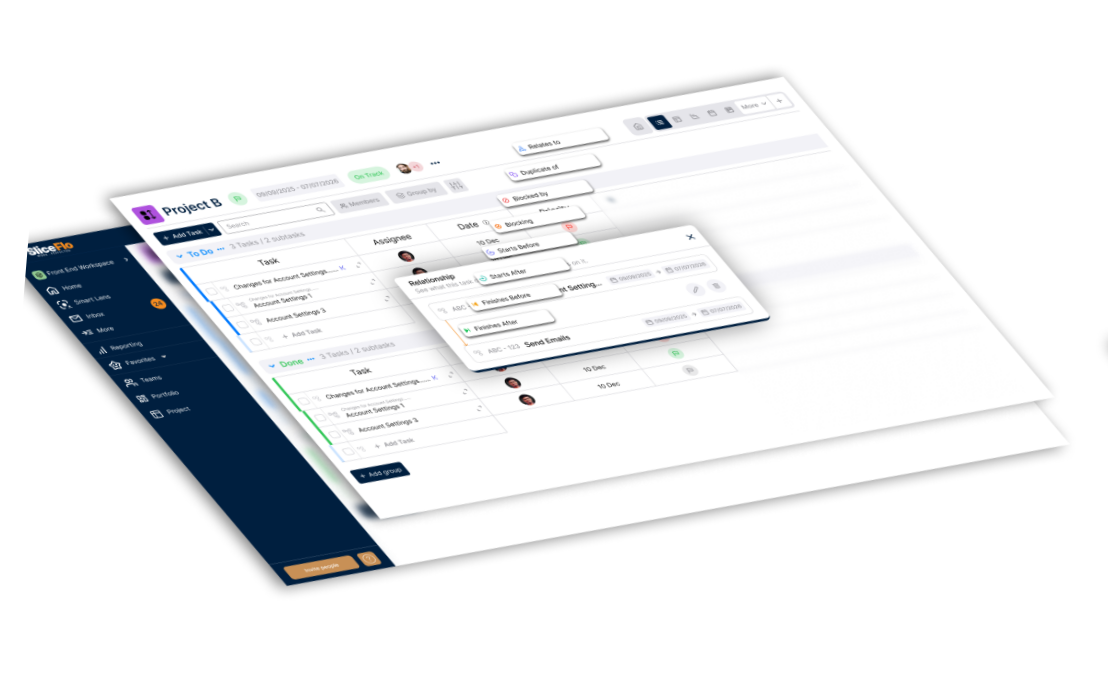
See delivery health beyond task completion.
Project management tools help teams organize work. SliceFlo helps teams understandwhether that work is healthy, blocked, drifting, or waiting on a decision.
Task tracking to project health
Most tools show what work exists. SliceFlo helps show whether the work is moving, stuck, or at risk.
Scattered updates to connected context
Keep blockers, dependencies, decisions, and status updates connected to the project instead of spread across meetings, messages, and spreadsheets.
Status chasing to attention clarity
See what needs attention next, so teams can spend less time asking for updates and more time moving work forward.
Use SliceFlo alongside your current workflow to make project health easier to see and act on.
One workspace for project health, delivery rhythm,and team visibility.
Bring planning, delivery signals, decisions, reporting, goals, teams, and time together soteams can see what is moving, what is stuck, and what needs attention next.
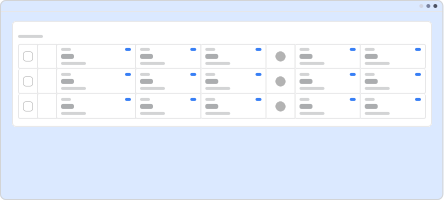
Intake and work preparation
Capture incoming work before it becomes execution noise.
Includes: Task intake, task drafts, prioritization support and work preparation.
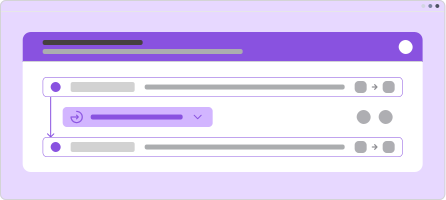
Blockers, dependencies, and decisions
Keep delivery context close to the work instead of scattered across meetings and messages.
Includes: Blockers, dependencies, decision log and cross-team follow-ups.
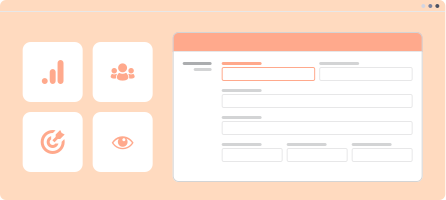
Reporting, teams, goals, and time
Give teams and leaders a practical operating layer for visibility, accountability, and progress.
Includes: Reporting, teams, goals and timesheets.
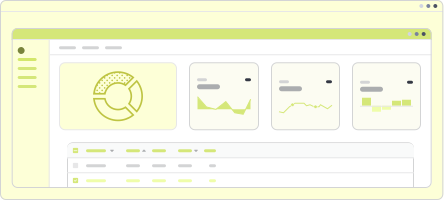
Project health dashboard
See whether work is on track, at risk, blocked, or waiting for an update across projects and work streams.
Includes: Project status, health signals, status summaries and project status updates.
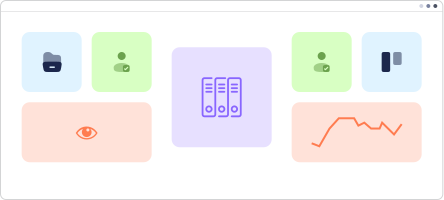
Portfolios and projects
Group related work and understand health across multiple projects, teams, or initiatives.
Includes: Portfolios, projects, ownership and project-level visibility.
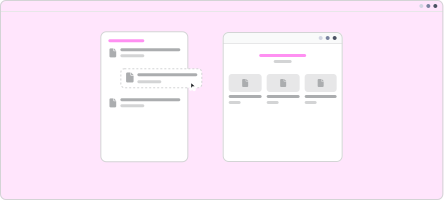
Cycles, releases, and delivery rhythm
Organize delivery work around cycles and releases so teams can see what is planned, moving, and slipping.
Includes: Project cycles, releases, milestones and delivery timelines.
From project health to the signals behind it.
Start with a clear project-health view, drill into blockers, dependencies, and decisions,then turn what changed into clearer status updates.
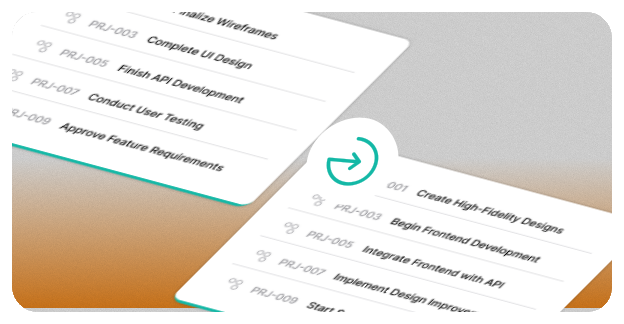
See project health first
Start from a clear view of what is on track, at risk, blocked, or waiting for an update.
Open the reason behind risk
Drill into blockers, dependencies, and decisions connected to the project.
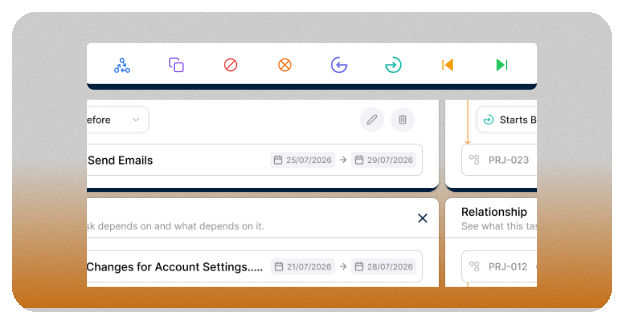
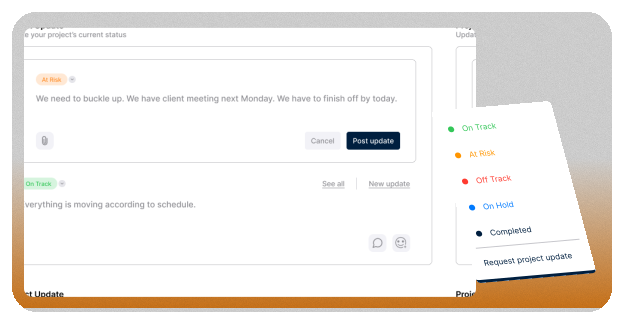
Share a clearer update
Use status updates and reporting to show what changed, what is blocked, and what needs attention next.
Your first project-health view starts with oneproject — no integrations required.
Create a workspace, add a real project, and begin capturing the blockers, dependencies, and decisionsshaping delivery. Start manually today, then connect more context as integrations become available.
.svg)
Create your workspace
Start with your team name, workspace setup, and the first project you want to track.
.svg)
Add the context that affects delivery
Capture project status, blockers, dependencies, and decisions as the project takes shape. Add releases, goals, teams, and time when they become useful.

Review project health
See what is on track, at risk, blocked, waiting on a decision, or needing an update. Focus attention on the work that needs it next.
Tool integrations are planned for a future release. When they arrive, SliceFlo can pull ineven more context automatically
Answers before you create your workspace.Answered honestly.
Create your free workspace
Start your 4-week full access
Use SliceFlo free for 4 weeks and test project-health visibility across real product and engineering work.