From signup to project health inunder 3 minutes
Create your workspace, start with one real project, add the context around the work, and see project health across tasks, blockers, decisions, dependencies, updates, risks, and milestones.
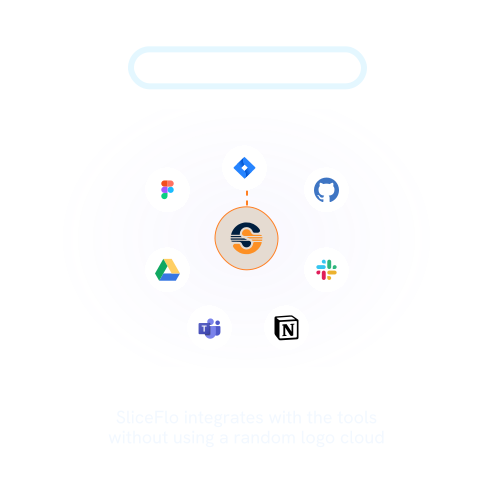
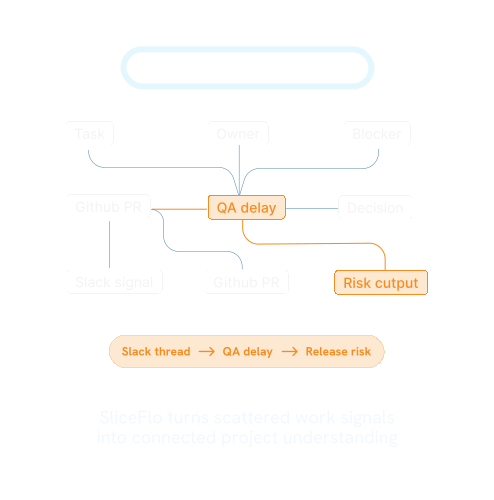
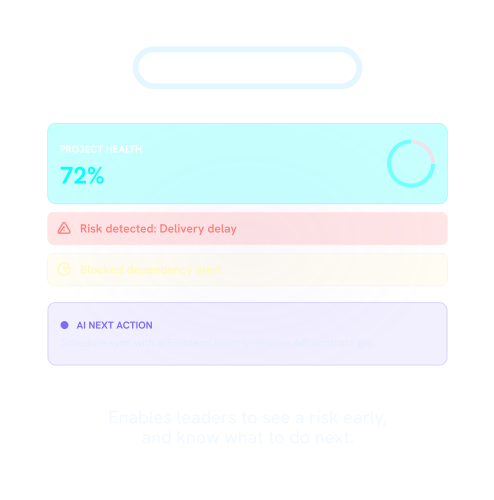
Create your workspace.Start with real project work.See project health.
SliceFlo helps your team bring project work and delivery context into one Project Overview, so health signals are easier to see.
Immediate access — Create your workspace.
Start with your work email. Your SliceFlo workspace is ready after signup.
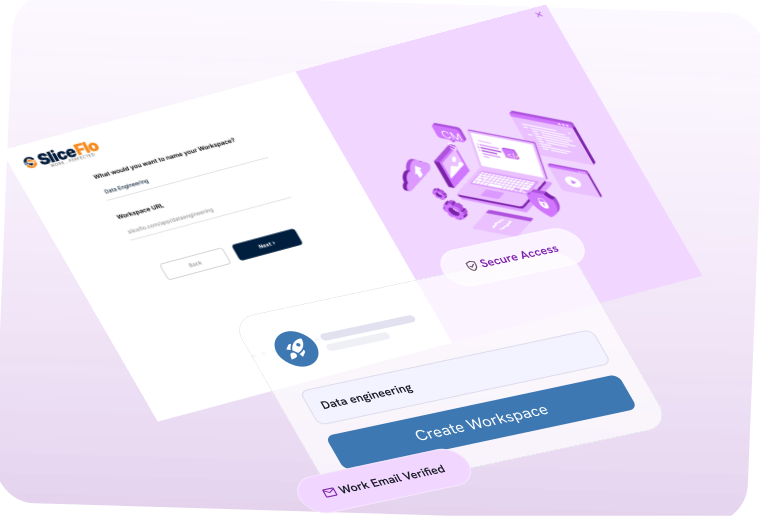
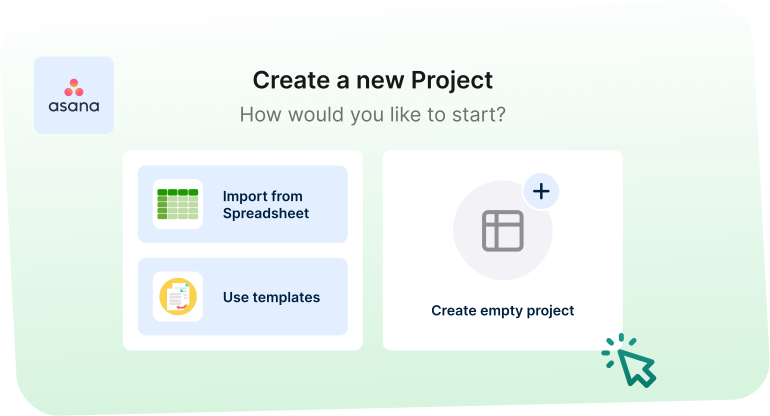
Real workflow — Start with one real project.
Add a project, cycle, release, product feature, internal rollout, cross-team initiative, or delivery workflow your team is already working on.
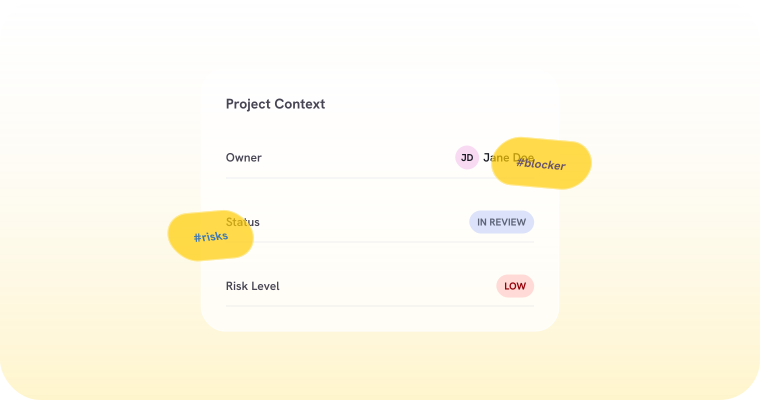
Context-first — Add the context around delivery.
Bring together tasks, blockers, decisions, dependencies, updates, risks, milestones, comments, documents, owners, due dates, and custom fields.
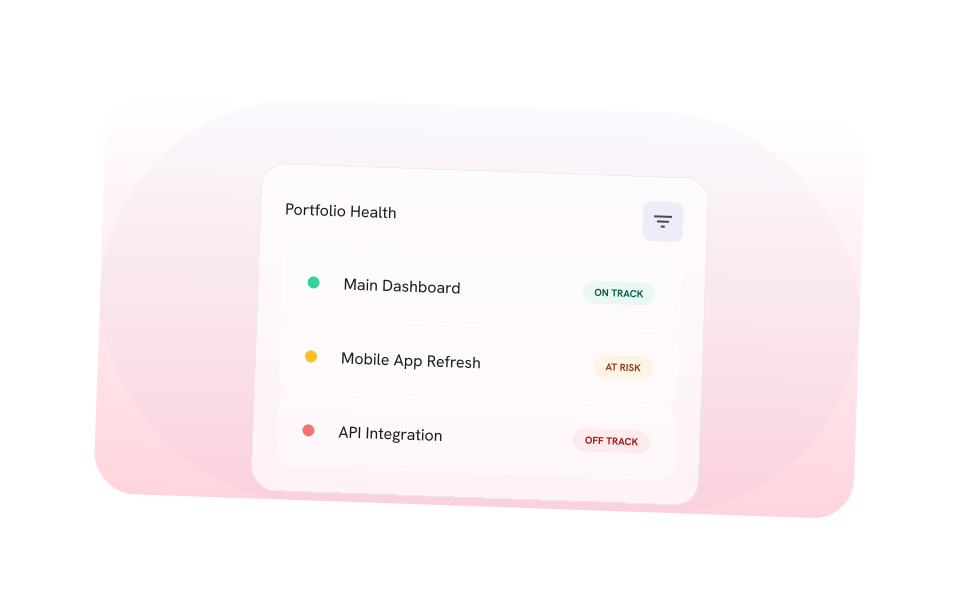
Live health view — See project health.
See whether work is on track, at risk, off track, on hold, or labeled in the way your team works.
You do not need to move every project into SliceFlo on day one. Start with one active project and expand when the value is clear.
You do not need to move every projectinto SliceFlo on day one.
Start with one active project your team is already working on. Use it to see whether SliceFlo helps you spot project health more clearly.
SliceFlo works best when you start with real project work. Choose something already moving through your team, especially if blockers, risks, decisions, dependencies, updates, or ownership are hard to keep visible.
Project Overview
See project health in one place
The Project Overview brings project status, delivery signals, and project context together so your team can see what needs attention.
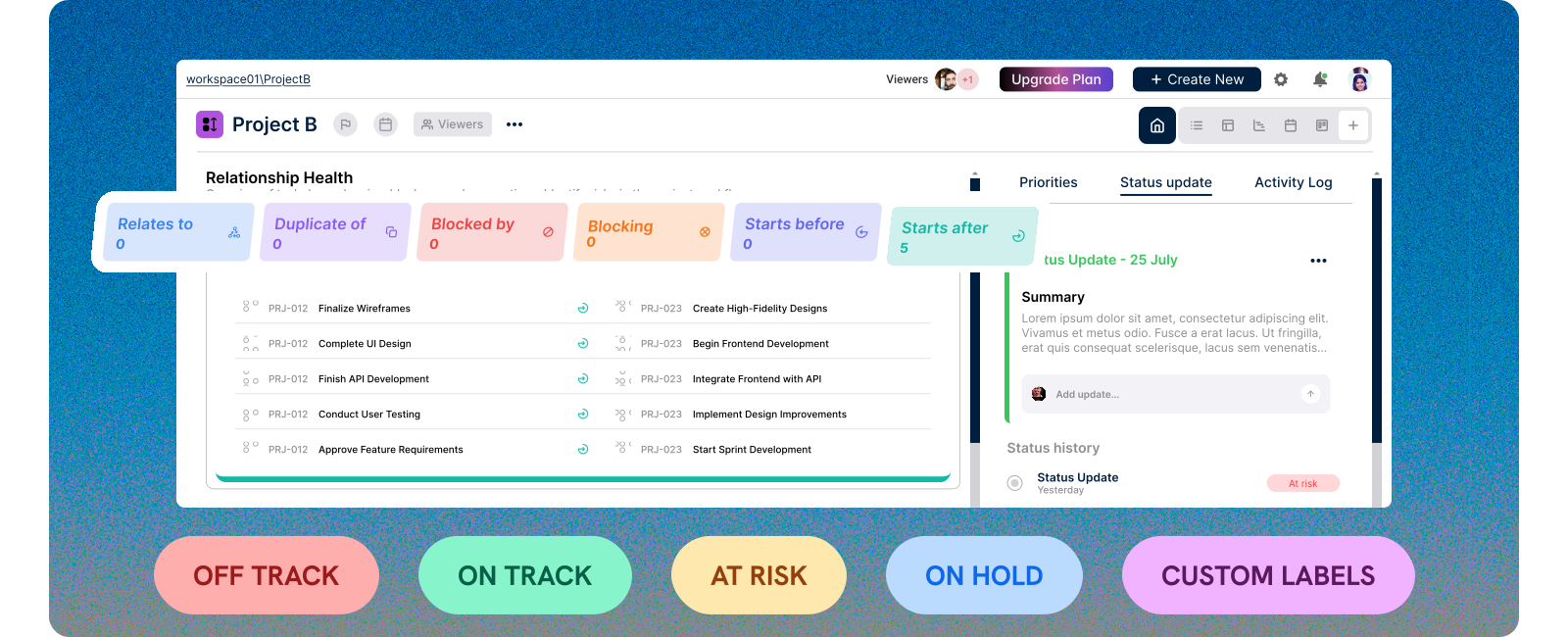
Use the Project Overview to keep tasks, blockers, risks, dependencies, decisions, updates, members, documents, comments, and project status updates close to the work.
Privacy-Safe By Design
Your project context stays protected
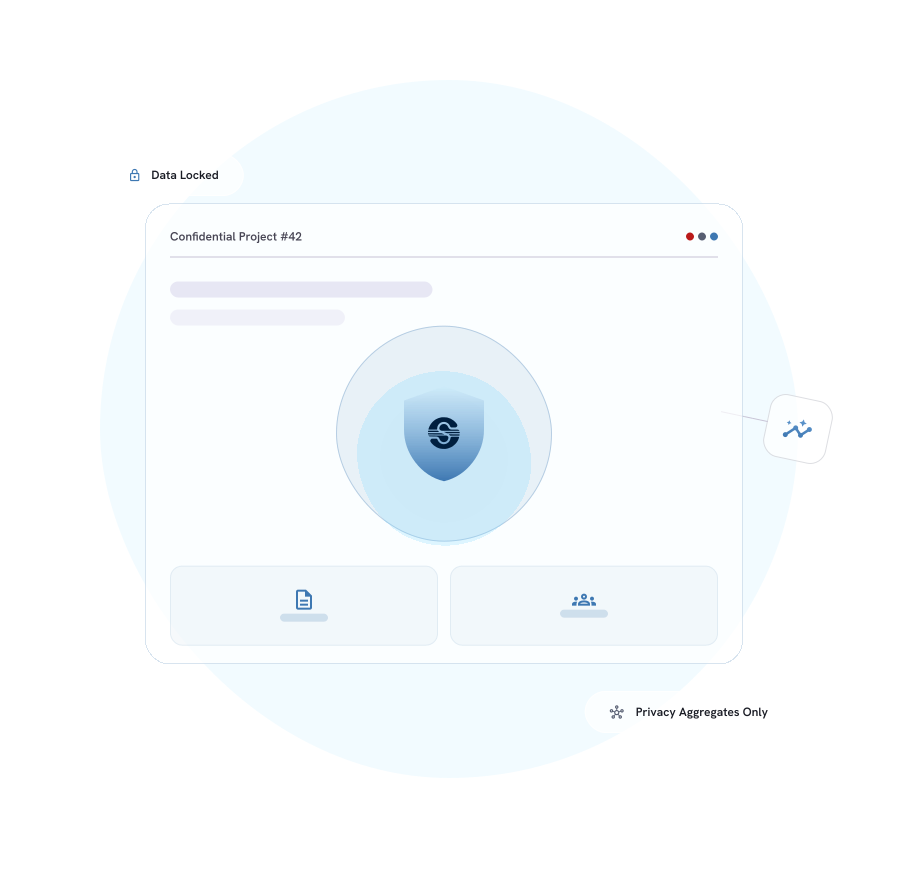
SliceFlo is built for sensitive project work. Your project content stays inside the product experience, while marketing and CRM tools receive only privacy-safe lifecycle aggregates.
Your Workspace
Project names, blockers, decisions, comments, and documents are not sent to marketing tools.


PRIVACY FILTER
Aggregating Data...


External Tools
Marketing and CRM tools only receive privacy-safe lifecycle aggregates.
That means external lifecycle systems can understand activation state, beta status, usage milestones, and workspace progress — without receiving the actual project content your team adds inside SliceFlo.
Your project context stays protected.
SliceFlo is built for sensitive project work. Your project content stays inside the product experience, while marketing and CRM tools receive only privacy-safe lifecycle aggregates.
No Model Training
SliceFlo does not train models on your data.
Local Execution
Project names, decisions, and documents are not sent to marketing tools.
Lifecycle Aggregates
Marketing and CRM tools only receive privacy-safe lifecycle aggregates.
That means external lifecycle systems can understand activation state, beta status, usage milestones, and workspace progress — without receiving the actual project content your team adds inside SliceFlo.
4-week full-access trial
Use SliceFlo with your team before choosing a plan.
Your 4-week (28-day) trial includes full access to SliceFlo. No credit card required. No automatic charge.
Before your trial ends, you can choose whether SliceFlo is useful for your team. If you do not continue, your workspace remains available in read-only mode. Active project management features require a paid plan.
Keep read-only access
Your workspace stays available in read-only mode. No data is deleted, but new entries are disabled until a plan is selected.
Go Live
Pick a plan and keep active project management features. Seamlessly transition your beta data into your production environment.
Answers before you create your workspace.Answered honestly.
Create your free workspace
Start your 4-week full access
Use SliceFlo free for 4 weeks and test project-health visibility across real product and engineering work.